Task guide
What each map view shows
Use Settlement view to inspect and build in your settlement. Zoom out for the 3D World view to see the county and manage trade convoys, then reach the farthest 2D map to compare settlements, terrain and routes over longer distances. The official source gives no shortcut key.
Updated 2026-10-29 · September 25 official article (image build unknown)
Read each view
Start in Settlement view when you need building-level detail. The official September 17 comparison shows a developed settlement and its world-map appearance, but does not show a customization menu or costs.
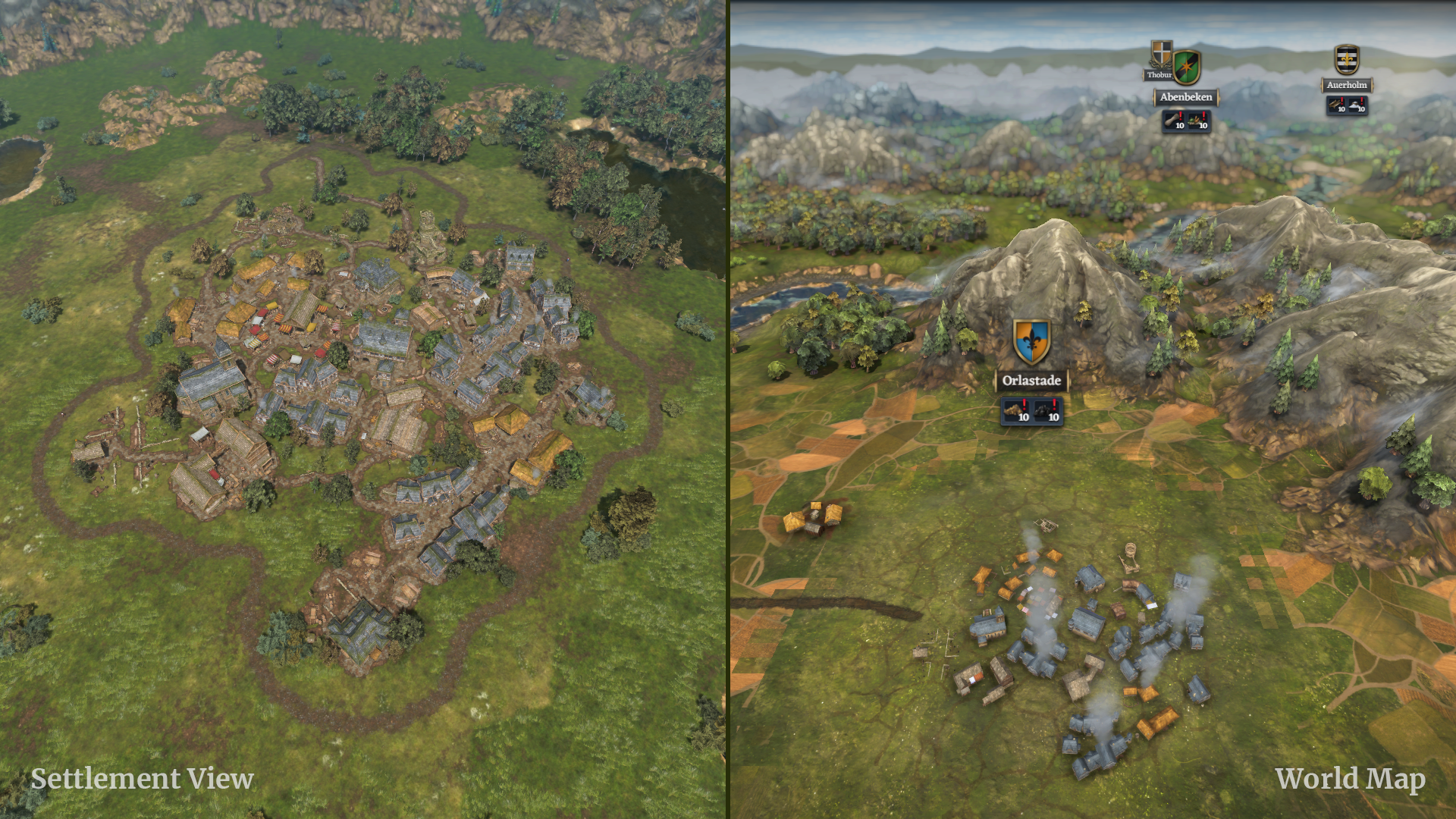
Settlement detail appears on the left and its world-scale appearance on the right. September 17 article. View full size ↗ Zoom out to the 3D World view for the county overview and trade-convoy context. Zoom farther to the 2D map when comparing longer distances; it displays settlements, bandit camps, rivers, lakes, mountains, forests and trade routes. The article describes this zoom progression without a keyboard shortcut.
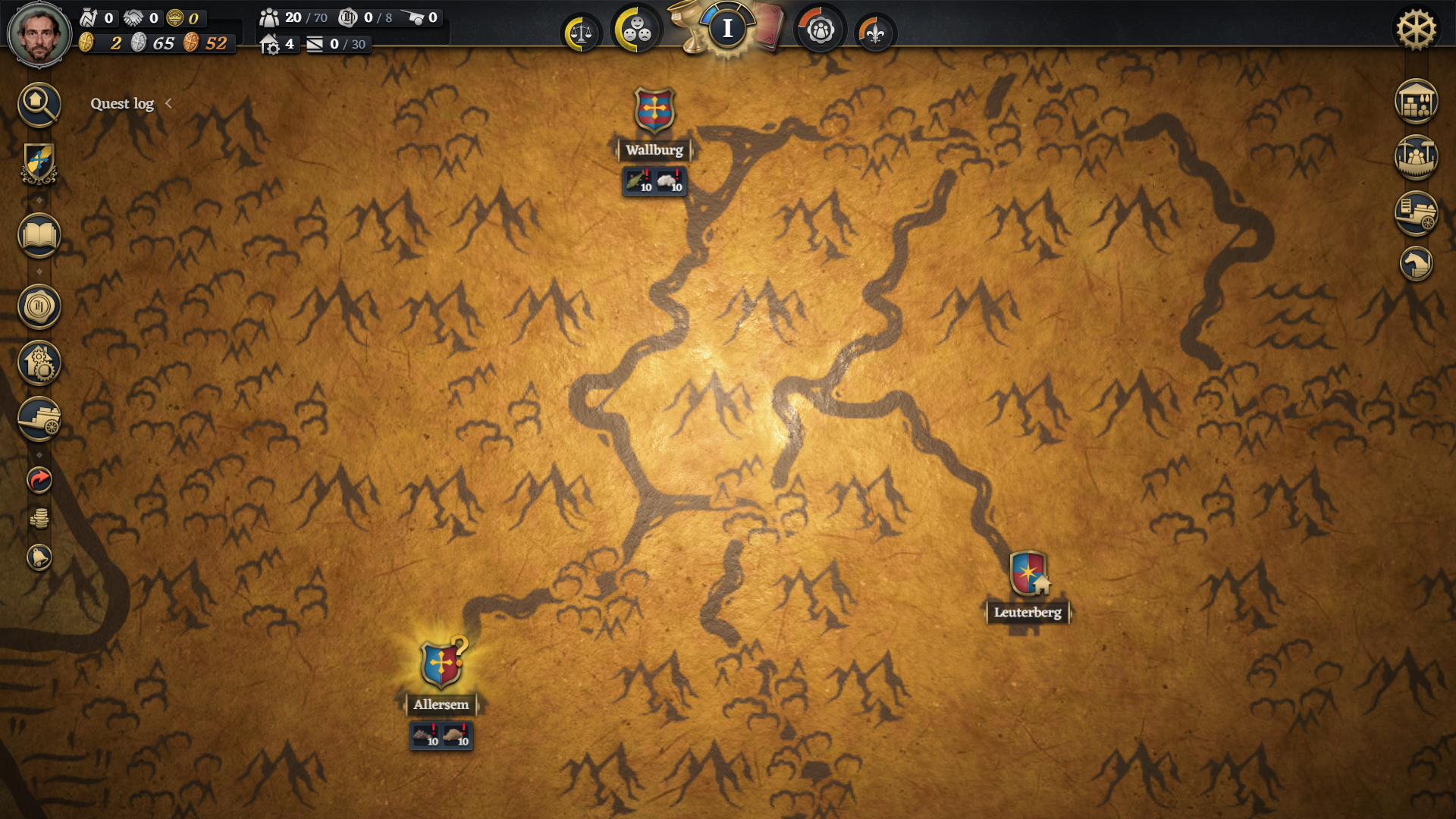
The official 2D map is a planning overview; the illustrated state is dated September 25. View full size ↗ Three views described in the official map article View Useful for Settlement Settlement detail and building construction 3D World County overview, trade convoys and trading 2D Map Long-distance context: settlements, terrain, camps and routes In the real 2D Route Planner example, read Saved Routes and the starting Home Settlement, then the visible Add another settlement, Add home settlement and Add Earl’s Court controls. Confirm applies to the displayed plan. The image does not show a ship selector, departure or arrival.
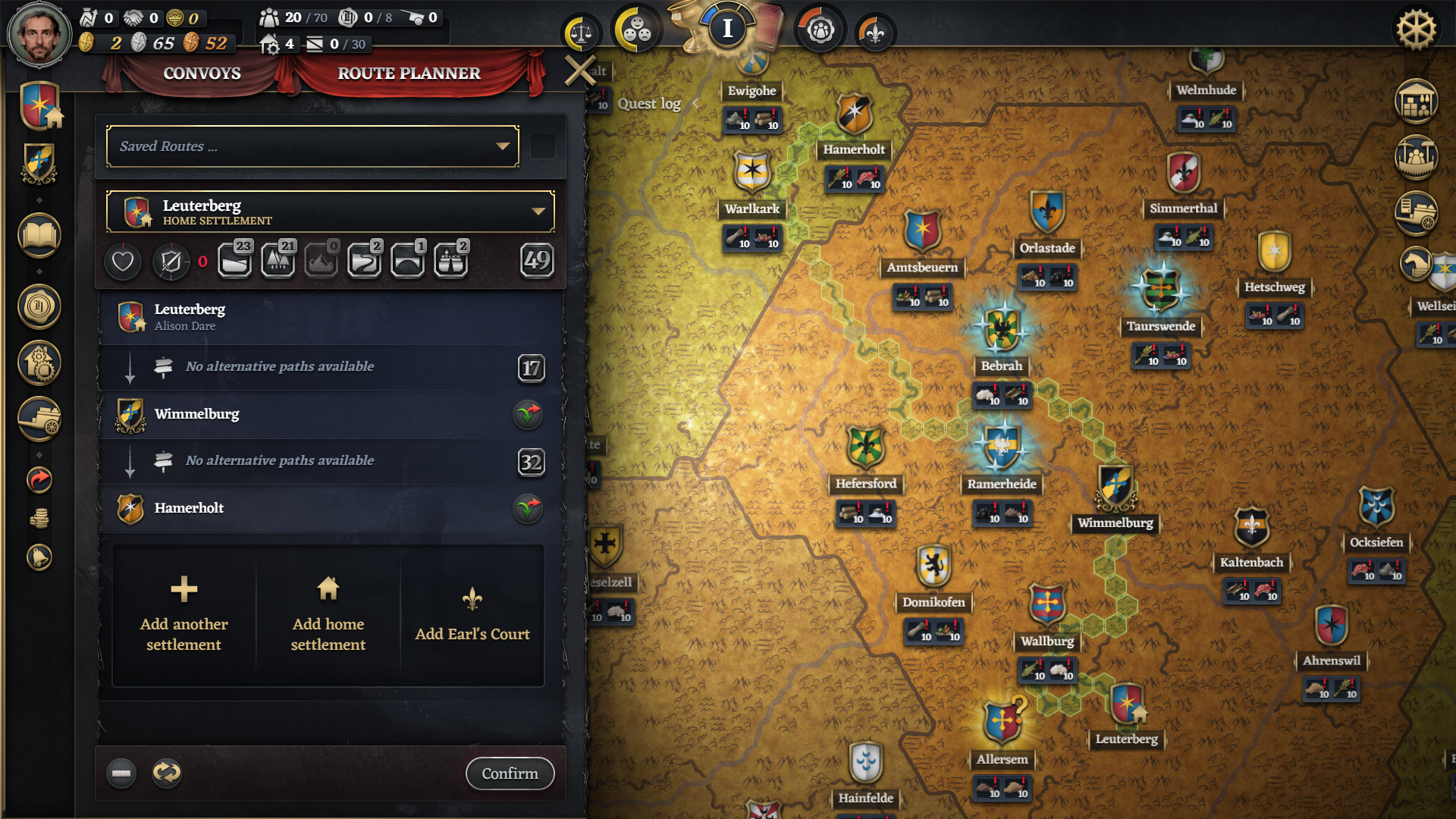
Read the route-planning controls in the full-size image. Confirm is shown, but no ship-selection or delivery result is shown. View full size ↗
Check the result
You can tell which view you are in and use the 2D map to inspect the visible route-planning context. A confirmed route plan alone is not evidence that a convoy departed or goods arrived.
If the result differs
If you need a ship-selection or exact launch step, this official image does not show it. Keep the planned ship comparison separate from the Demo 0.4.8 ship-fit rule and check your own in-game interface for the next action.